How to edit a building
17 November 2026
Back
Need to update a building’s address or other details? Here’s how.
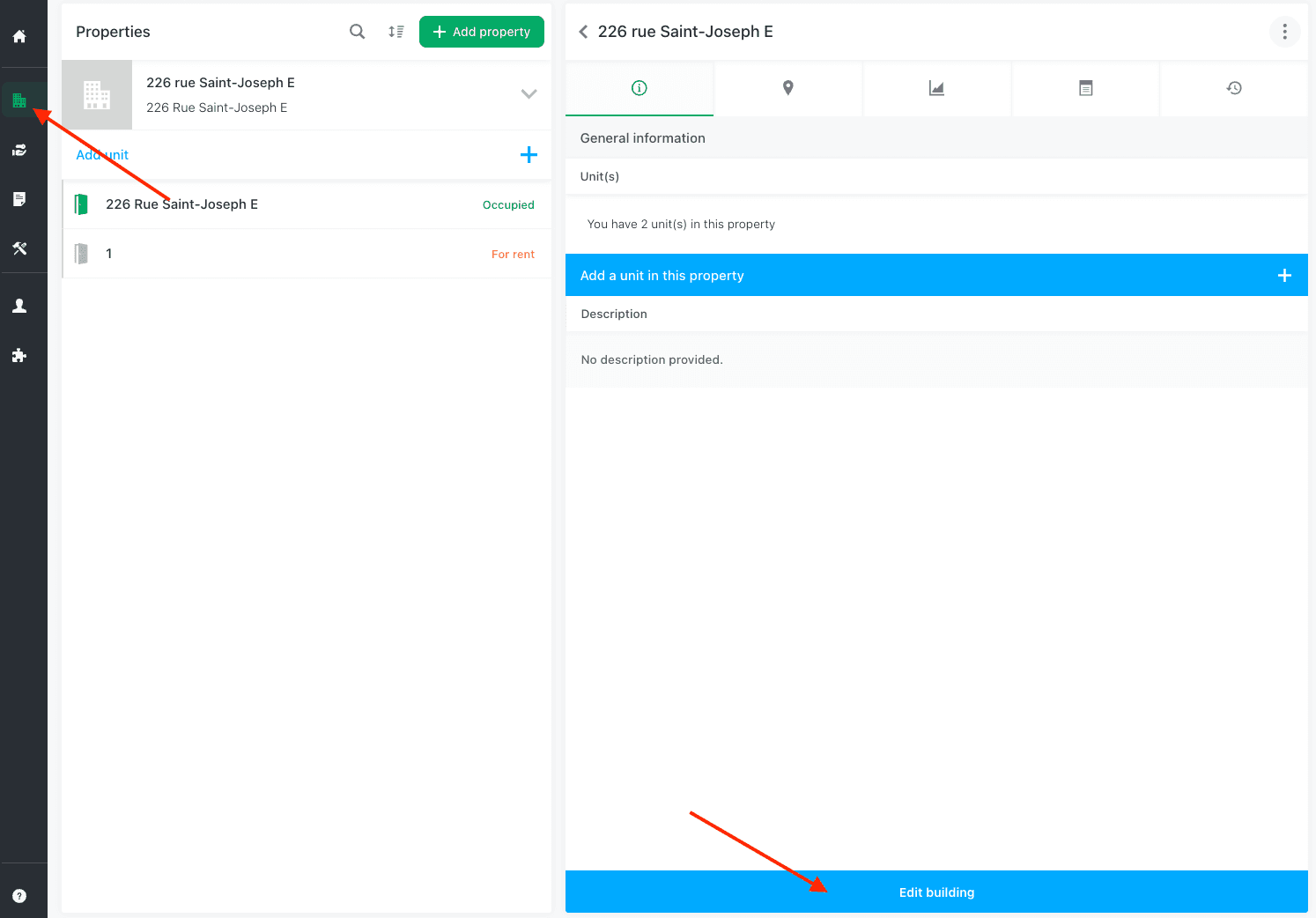
- In the Buildings section, select the building you want to edit.
- A panel opens on the right side of the screen. At the bottom of the panel, click Edit building.
- Make your changes.
- Click Save to confirm.
Have more questions? Keep browsing our Help Center or contact us!